VB6 - DPI Aware applications
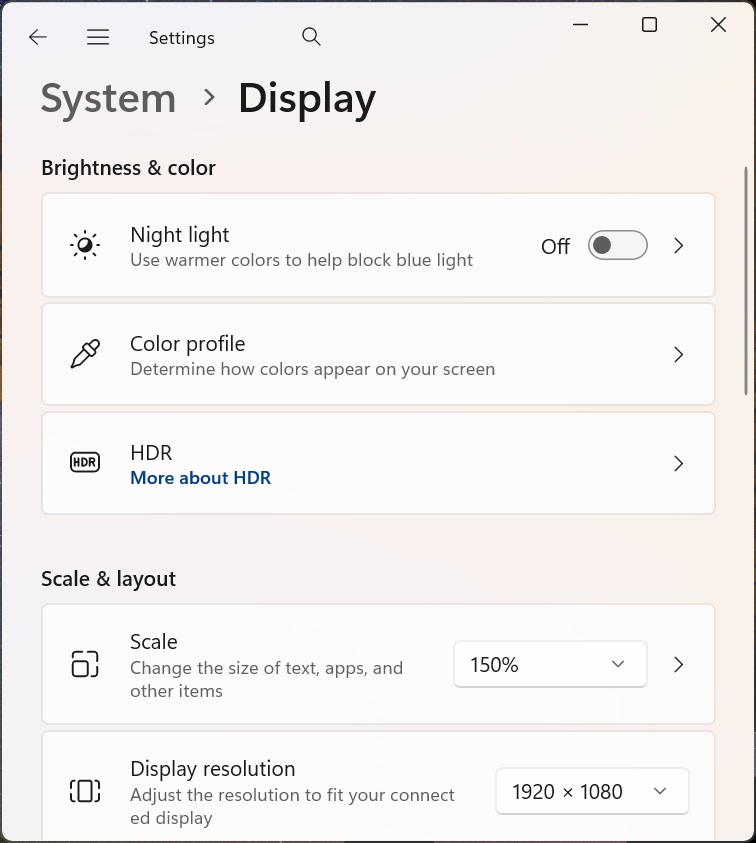
Using the Windows API you can disable DPI virtualization for when you want to use your application on high DPI screen resolutions. So for example on a computer that has display with its DPI set at 150% instead of 100%.
Normally windows will resize all the components in your application and this might not be what you want.
First lets look at a screenshot of the Fill Form example at a screen resolution of 150 all standard.
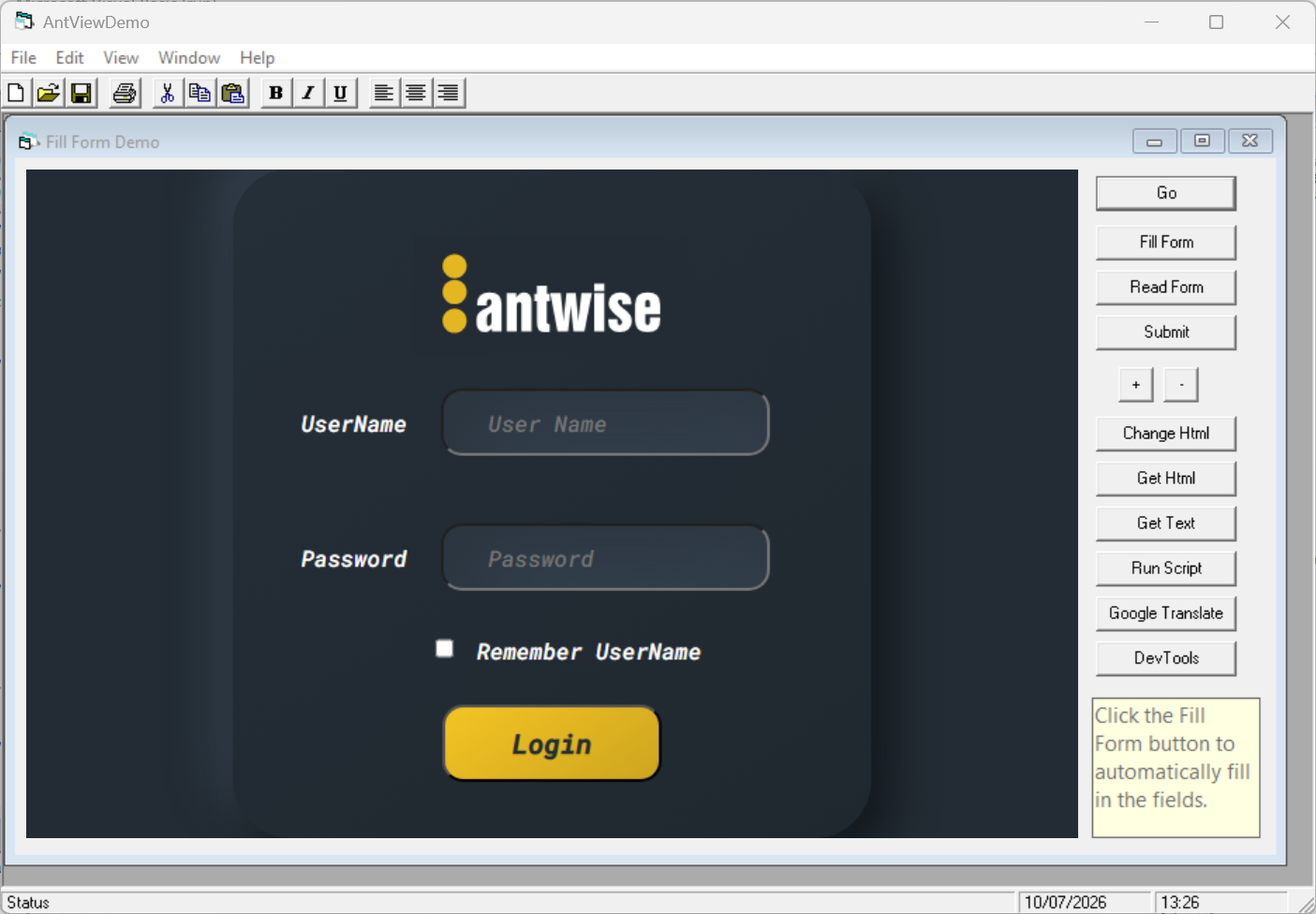
As you might see, everything has been scaled up, including what is displayed in our browser component.
To disable the DPI virtualization you can call the SetProcessDPIAware windows API call.
First declare it in frmMain and call it as early as possible.
Private Declare Function SetProcessDPIAware Lib "user32.dll" () As Long
Private Sub MDIForm_Load()
SetProcessDPIAware
' more code
End Sub
This then will stop the automatic scaling up by the operating system on higher DPI settings.
The FillForm example now looks like this:
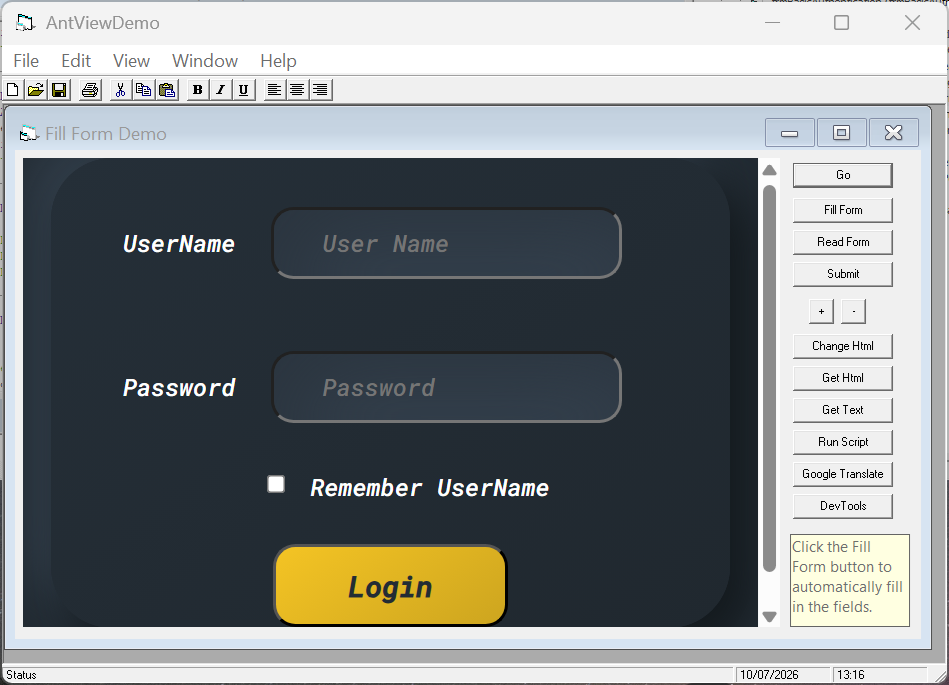
As you can see there is now a mismatch. The form itself is not scaled up, but what is rendered in the browser is scaled according to operating system rules.
What we want to do now, is to ask the browser component to override this:
Private Sub EdgeWebBrowser_OnCreateWebviewCompleted(ByVal HResult As Long)
EdgeWebBrowser.BoundsMode = bmUseRasterizationScale ' 1
EdgeWebBrowser.RasterizationScale = 1
EdgeWebBrowser.DetectMonitorScaleChanges = False
End Sub
Here we are telling the browser component that we take care of scaling ourself, by setting BoundsMode to bmUseRasterizationScale (1) instead of the default bmUseRawPixels (0).
Then for the scale we choose a RasterizationScale of 1.
Lastly we set DetectMonitorScaleChanges to False, to indicate that we handle the RasterizationScale in our application instead of automatically.
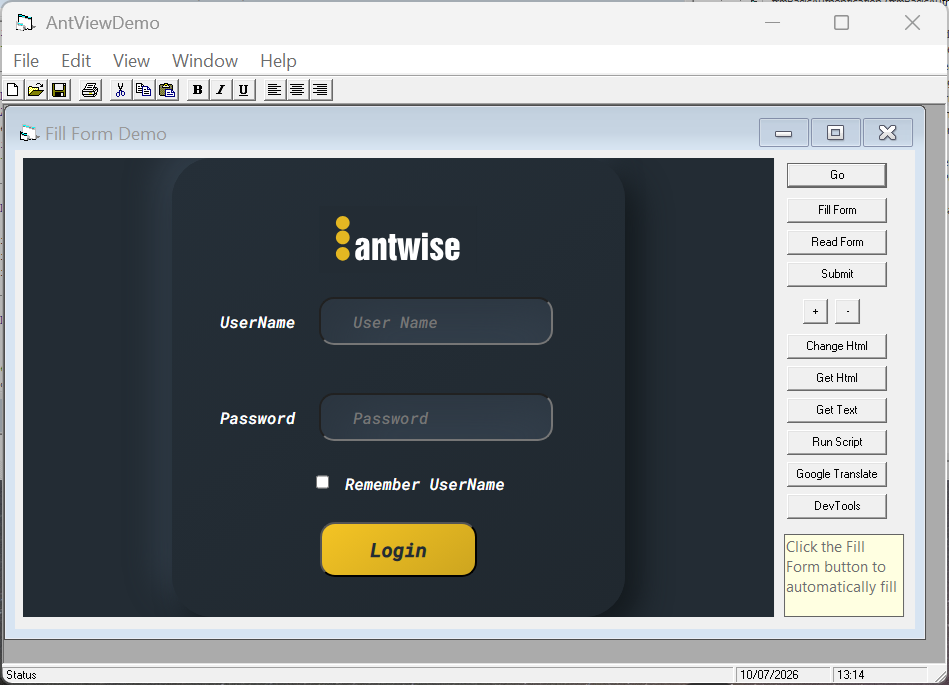
The result looks like:
AntView - The MS Edge WebView2 ActiveX control Date last changed: 2026/07/30