Use AntView in Microsoft Access
You can use the AntView control via VBA in MS Access.
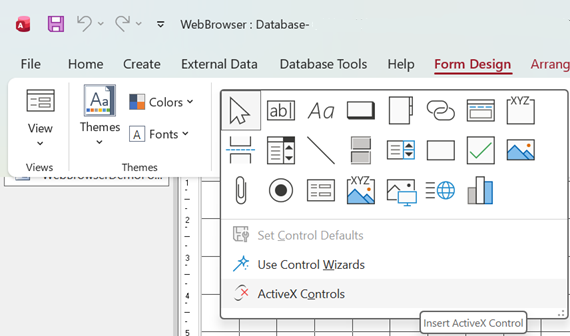
In order to add the AntView control to your Form, open the form, switch over to Design Layout, click on "Form Design" to add a new control, then the down arrow to be able and select ActiveX Controls.
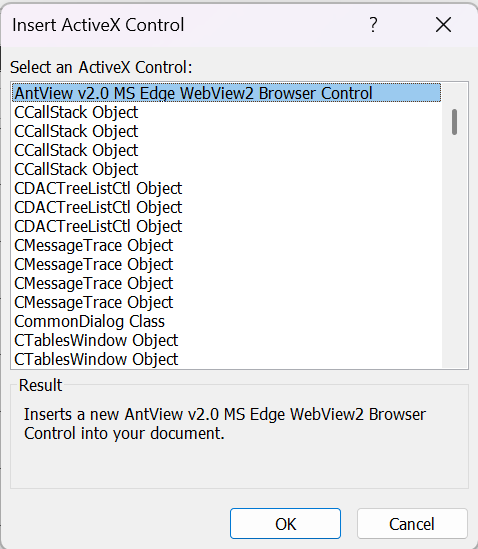
Select "Insert ActiveX"
Next position and resize the control to your needs.
You can now use the AntView control in your MS Access applications.
Note that the AntView ActiveX control -like many other ActiveX controls- does not work well with native MS Access anchoring.
It is best to handle this manually using the form resize event. Our examples show you how-to do this.
AntView - The MS Edge WebView2 ActiveX control Date last changed: 2026/07/30